Why Choosing an LED Wall Is Harder Than It Looks
Walk into any trade show and you will find hundreds of LED panels that look nearly identical in photographs. The difference between a P1.9 panel that costs twice as much as a competing product — and the reasons why that premium is entirely justified for some applications and completely wasted for others — comes down to a handful of technical specifications that most buyers never fully understand until something goes wrong on set or on stage.
This guide cuts through marketing language to explain the specifications that actually matter, what they mean for real-world applications, and how to match the right panel to your production context.
Pixel Pitch: The Specification Everyone Gets Wrong
Pixel pitch is the distance in millimetres between the centre of one LED cluster and the centre of the next. A P1.9 panel has a 1.9mm pitch; a P4.8 has a 4.8mm pitch. Smaller pitch means more pixels per square metre, finer detail, higher cost, and — critically — a shorter minimum viewing distance before the pixel structure becomes visible.
The common mistake is treating pixel pitch as a single quality ranking. It is not. It is a specification matched to a use case.
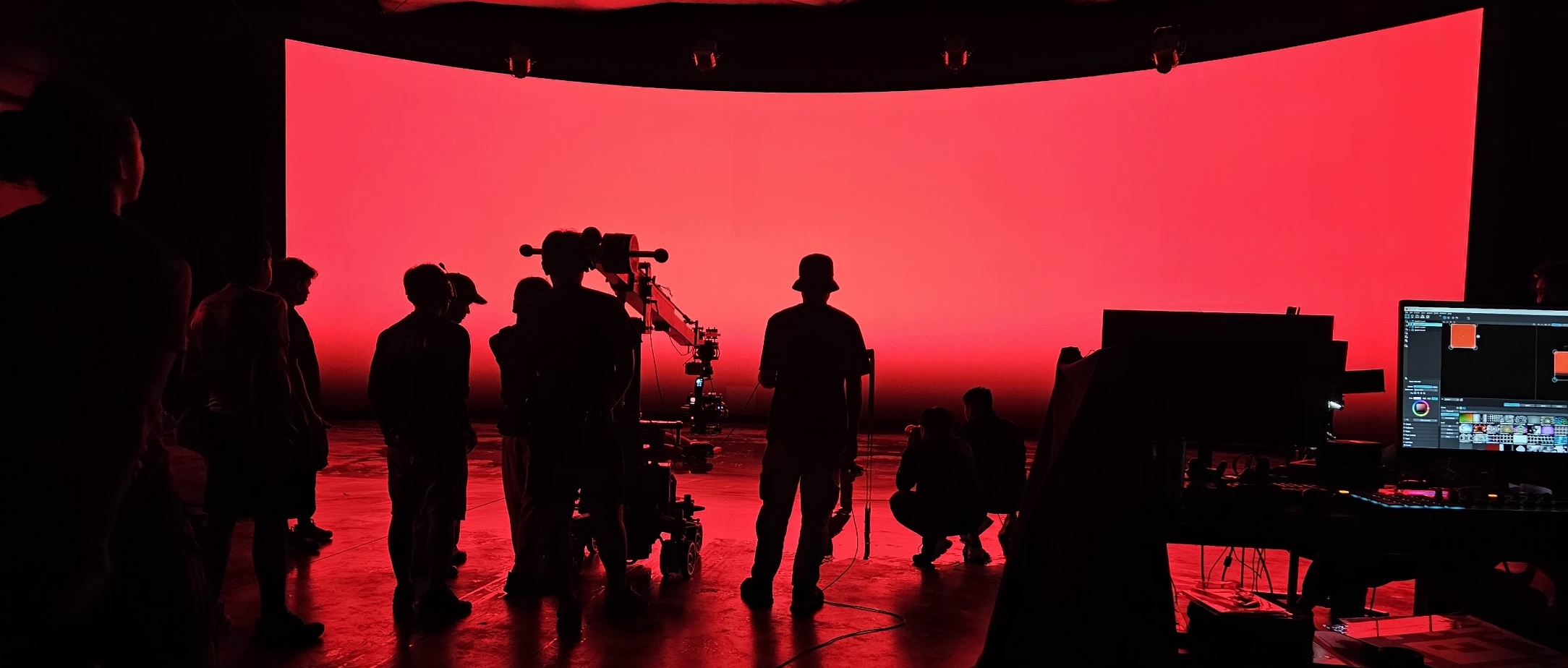
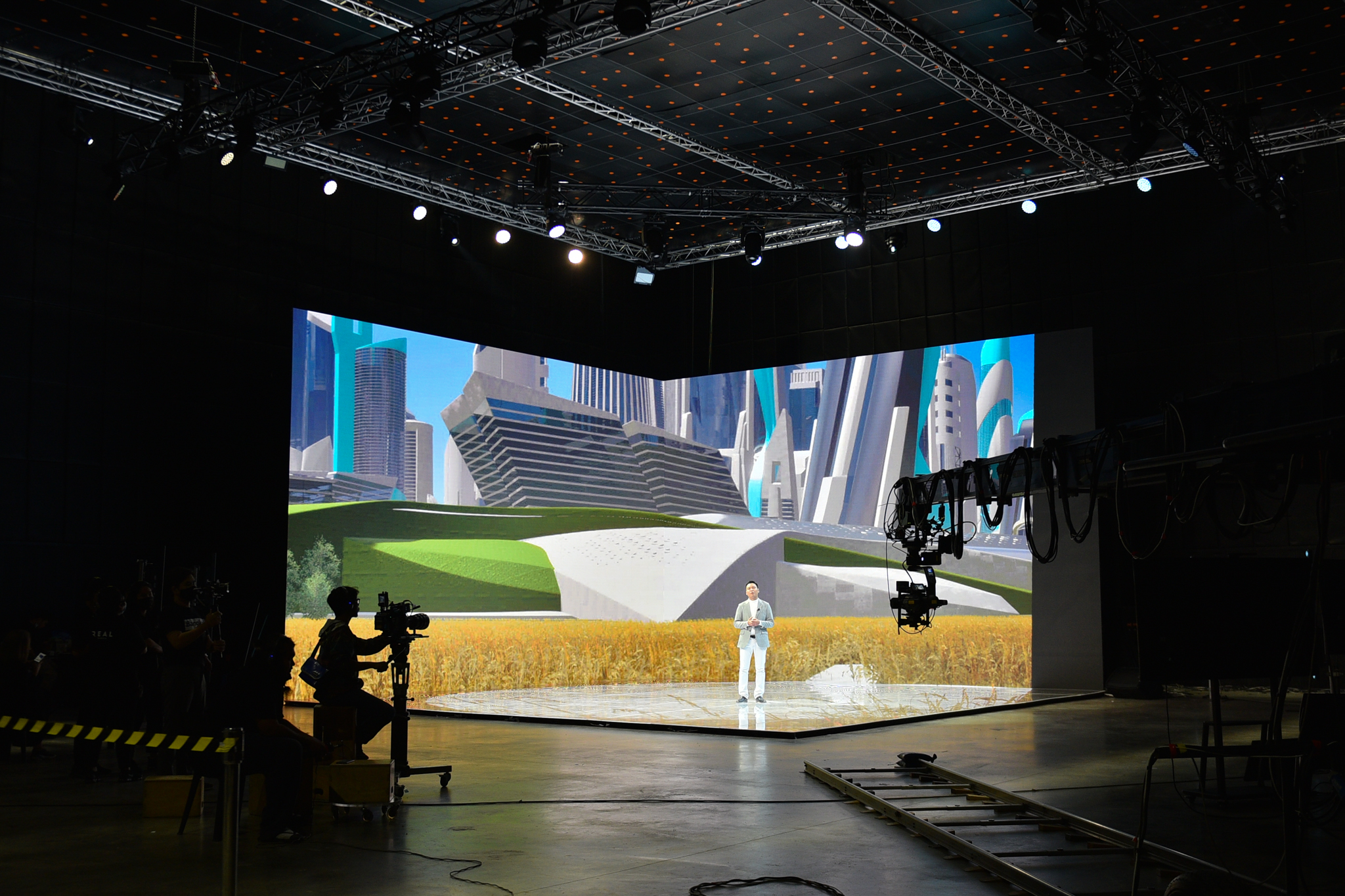
- P1.2–P1.9: Fine-pitch panels intended for broadcast studios, virtual production volumes, and any application where a camera will be pointed at the screen at close range. Brompton processing technology is particularly effective at this pitch range, enabling features like Tessera SX40 at extremely high framerates that matter enormously for camera capture.
- P2.5–P3.9: The workhorse range for mid-size stages, corporate events, and exhibition environments. Visible from approximately 4–6 metres. Good balance of resolution, cost, and portability.
- P4.8–P6.0: Outdoor and large-venue applications where viewers are 8+ metres from the screen. Attempting to use fine-pitch panels outdoors is not just unnecessary — outdoor panels are engineered with different weatherproofing, brightness ratings, and thermal management that fine-pitch panels cannot match.
A reliable rule of thumb: multiply the pixel pitch by 1,000 to get the approximate minimum comfortable viewing distance in millimetres, then convert. A P2.5 panel has a comfortable minimum viewing distance of roughly 2.5 metres. Apply this as a floor, not a target.
Refresh Rate: The Specification That Camera Operators Actually Care About
Refresh rate describes how many times per second the panel redraws the image. It is measured in Hertz. The specification matters almost exclusively in camera-facing applications — to the human eye, any refresh rate above approximately 1,920Hz is imperceptible.
Cameras see something different. A camera sensor captures light over a finite shutter period. If the panel's refresh rate is lower than the camera's shutter speed demands, the sensor may capture the screen mid-refresh, producing horizontal banding in the image — a defect that is technically correctable but creates significant post-production complexity and is best avoided entirely.
For broadcast and virtual production applications, panels rated at 7,680Hz or higher are the standard. Brompton's Tessera processing platform is widely used to achieve this — allowing cameras to operate at 1/2000s shutter or faster without banding artefacts appearing in the footage. If a supplier cannot tell you the refresh rate of their panels, do not use those panels in a camera-facing role.
For live events with no camera coverage, refresh rate is largely irrelevant. Audiences do not see the artefacts that cameras do.
Contrast Ratio and Black Level
Contrast ratio describes the difference in luminance between the brightest white the panel can produce and the darkest black. A panel rated at 5,000:1 can display a white that is 5,000 times brighter than its black.
In practice, contrast ratio is a marketing number heavily influenced by measurement conditions. What matters more is the absolute black level — how dark the panel appears when displaying black content in your specific lighting environment. LED panels use individual pixel-level emissive technology, which gives them inherent contrast advantages over LCD-based displays, but panel design, cabinet construction, and the reflectivity of the module surface all affect perceived black levels.
For virtual production and broadcast, look for panels with high-contrast module designs and low surface reflectivity. Glossy surfaces under studio lighting can introduce reflections that compromise the illusion of depth and environmental lighting.
HDR and Colour Space
HDR capability on an LED wall refers to the panel's peak brightness combined with its colour gamut coverage — specifically its ability to represent the full Rec. 2020 or DCI-P3 colour spaces that HDR content uses.
For virtual production, colour accuracy is non-negotiable. The LED wall is creating the physical light in the scene. If the panel cannot accurately reproduce the sky gradient or the amber of a street lamp, that inaccuracy is baked directly into the camera image. High-quality panels with proper colour calibration from the processing system (again, where Brompton's SX40 excels) allow colour management that keeps the on-set lighting mathematically accurate.
Peak brightness for broadcast applications typically ranges from 800 to 1,500 nits. Outdoor panels can reach 6,000–10,000 nits. Attempting to operate a bright outdoor panel in a dark studio environment will produce an image that is technically perfect and visually overwhelming.
Indoor vs. Outdoor: Two Completely Different Products
Indoor and outdoor LED panels share a name but little else. Outdoor panels are rated to IP65 or higher for water and dust resistance, use different thermal management systems, and are engineered for direct sunlight brightness. Indoor panels prioritise fine pitch, colour accuracy, and low-profile cabinet design.
Do not place an outdoor panel in a broadcast studio because it was cheaper. The brightness, colour temperature, and surface properties will undermine everything the rest of your production chain is trying to achieve.
How to Choose: A Practical Framework
Start with three questions before looking at any specification sheet:
- Will a camera be pointed at this screen? If yes, you need 7,680Hz refresh rate minimum, fine pitch, and proper colour calibration capability. Budget accordingly.
- What is the minimum viewing distance? Divide that distance by 1,000 to get your maximum acceptable pixel pitch. If your closest viewer is 4 metres away, anything finer than P4.0 is wasted money.
- What is the ambient light environment? A bright conference room needs higher panel brightness than a darkened theatre. A panel that looks spectacular in a controlled demo environment may wash out completely under overhead fluorescents.
The right LED wall is not the most expensive or the finest pitch — it is the one that is correctly specified for what your production actually requires. If you are unsure, talk to a systems integrator who works across multiple sectors rather than one who primarily sells a single product range. The difference in perspective is worth the conversation.